Free laser software for your Sculpfun S30 Ultra
The S30 Ultra has a 590 × 595 mm bed and automatic air assist that software switches with M8. Sculpfun lists LightBurn and LaserGRBL; Surfacecraft Burn Studio is a free option in the browser that turns air assist on for the operations that need it.
For the S30 Ultra 11W, 22W and 33W. Nothing to install. Mac, Windows, Linux and Chromebook. Updated .- Work area
- 590 × 595 mm; 935 × 905 mm with Sculpfun's S30-XY extension kit
- Laser
- 11W, 22W or 33W optical
- Maker lists
- LightBurn, LaserGRBL; USB or Bluetooth
- Preset
- Grbl diode laser (other)
- Output
- GRBL laser mode · M4 S… · M8 air assist
What to know about the Sculpfun S30 Ultra
Air assist on M8
Sculpfun's board switches the air pump from the G-code. Turn air assist on for a cut in Burn Studio and the file sends M8 for it.
A big bed
At 590 × 595 mm you can lay out a sheet of coasters or signs and run them as one job. Start from the GRBL diode laser preset and set the work area once.
Test before you burn
Run Burn Studio's power and speed grid on a scrap of your material, pick the square you like and save it as a material preset.
From box to first burn
Burn Studio makes the G-code. A sender runs it: LaserGRBL (free, Windows), LightBurn, or Surfacecraft itself over USB with Pro. Wear the glasses that came with your laser.
-
01
Create a free account Open Burn Studio in your browser. Nothing to download.
-
02
Add your laser Pick the Grbl diode laser (other) preset and set the work area to 590 × 595 mm; 935 × 905 mm with Sculpfun's S30-XY extension kit.
-
03
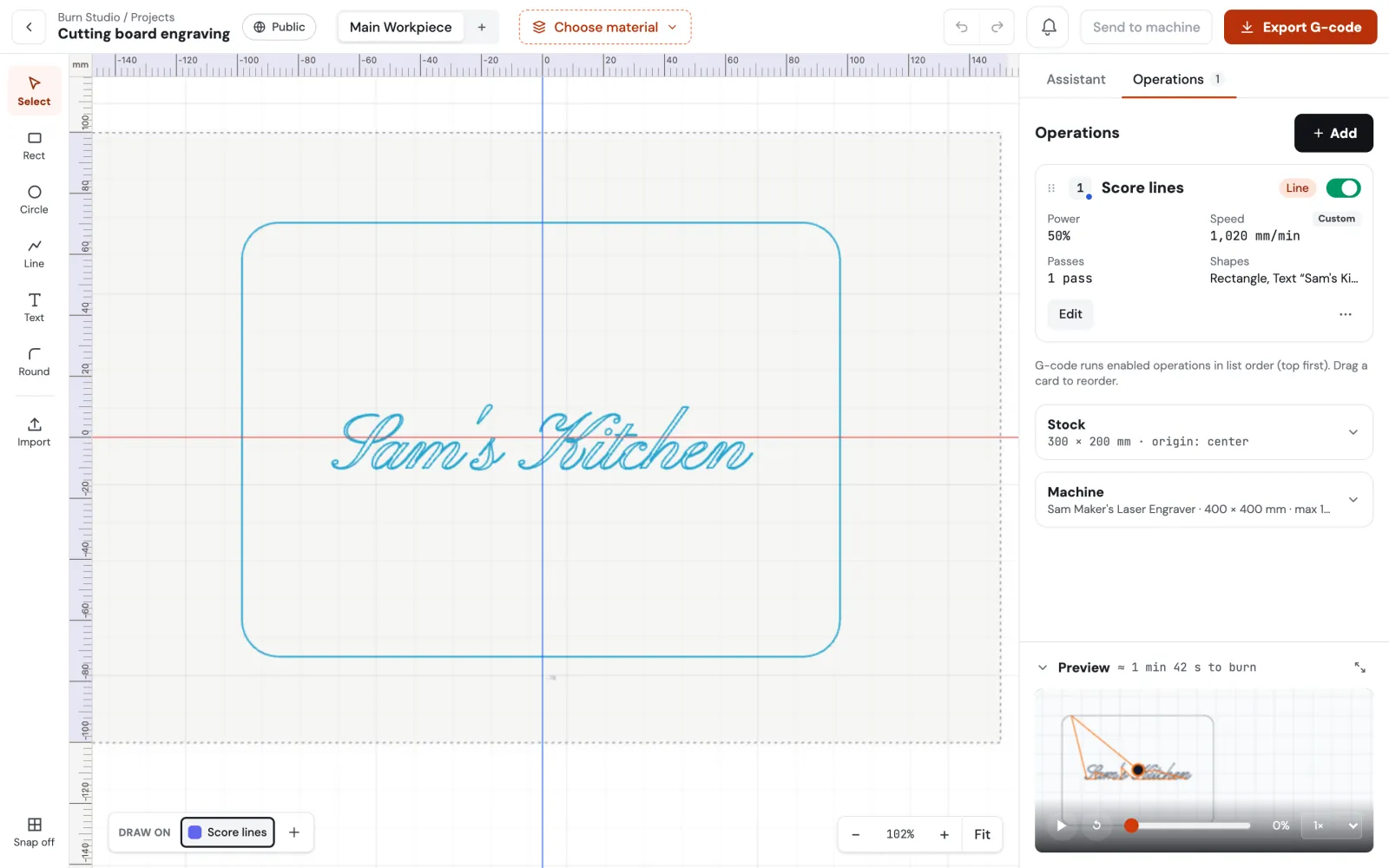
Make a design Draw shapes and text or import an SVG. Give each one Line (score), Fill (engrave) or Cut.
-
04
Find your settings Run the power and speed test grid on scrap, pick the square you like and save it as a material preset.
-
05
Download and run Focus the laser, zero where the file's header says and run it in your sender.
Sculpfun S30 Ultra software questions
Sculpfun lists LaserGRBL and LightBurn, which both send GRBL G-code, so a GRBL file from Burn Studio runs on it.
Not yet. Burn Studio scores lines, fills shapes and text with engraving, and cuts outlines.
Yes. Designing, laser operations, the preview and G-code export are on the Free plan with no time limit. Pro adds sending jobs straight to the machine, more machines, AI tools and commercial use.
Free software for other lasers
Your Sculpfun S30 Ultra is ready. Now it has software.
Design and G-code are free, with no time limit. Send to your laser over USB with Pro.