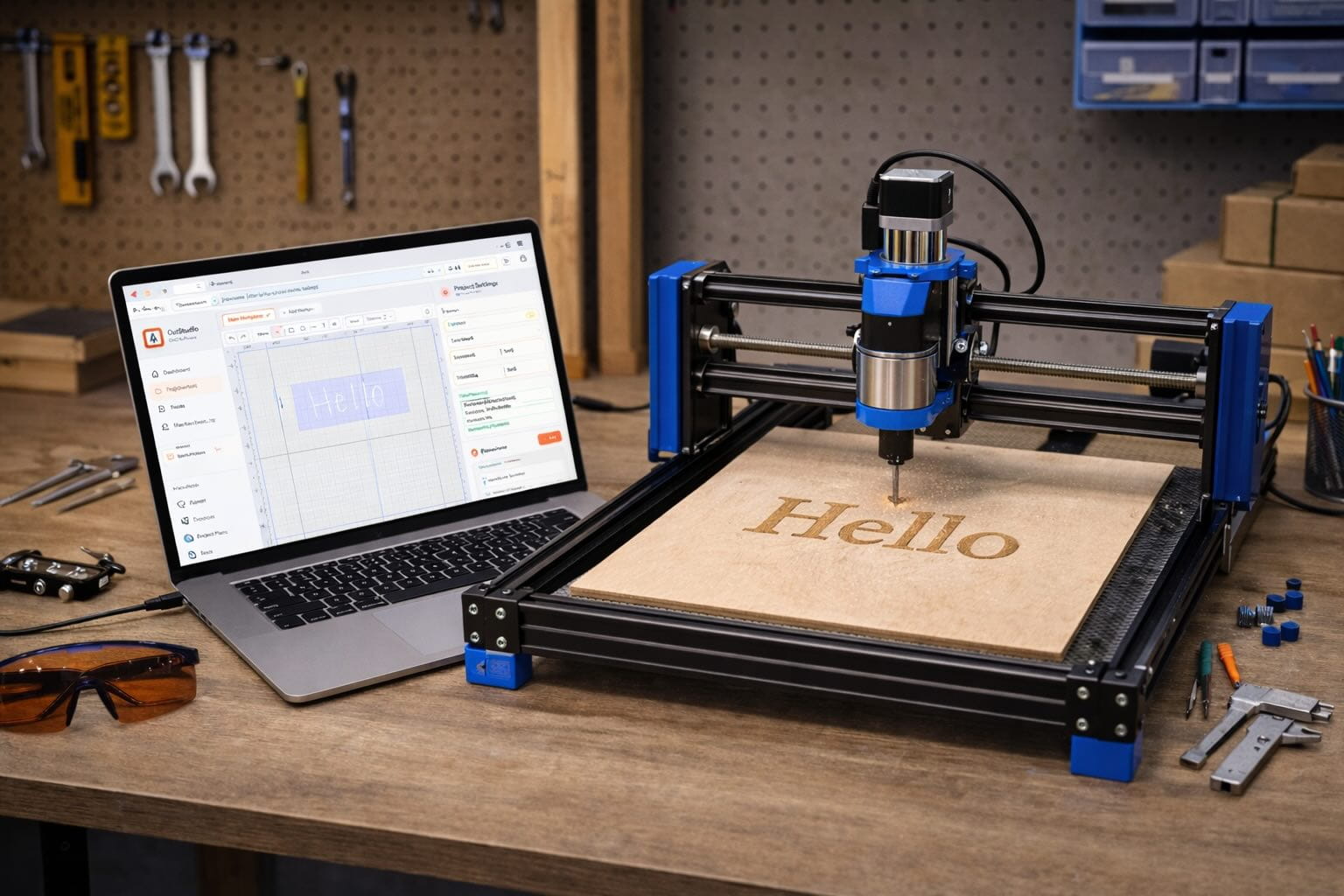
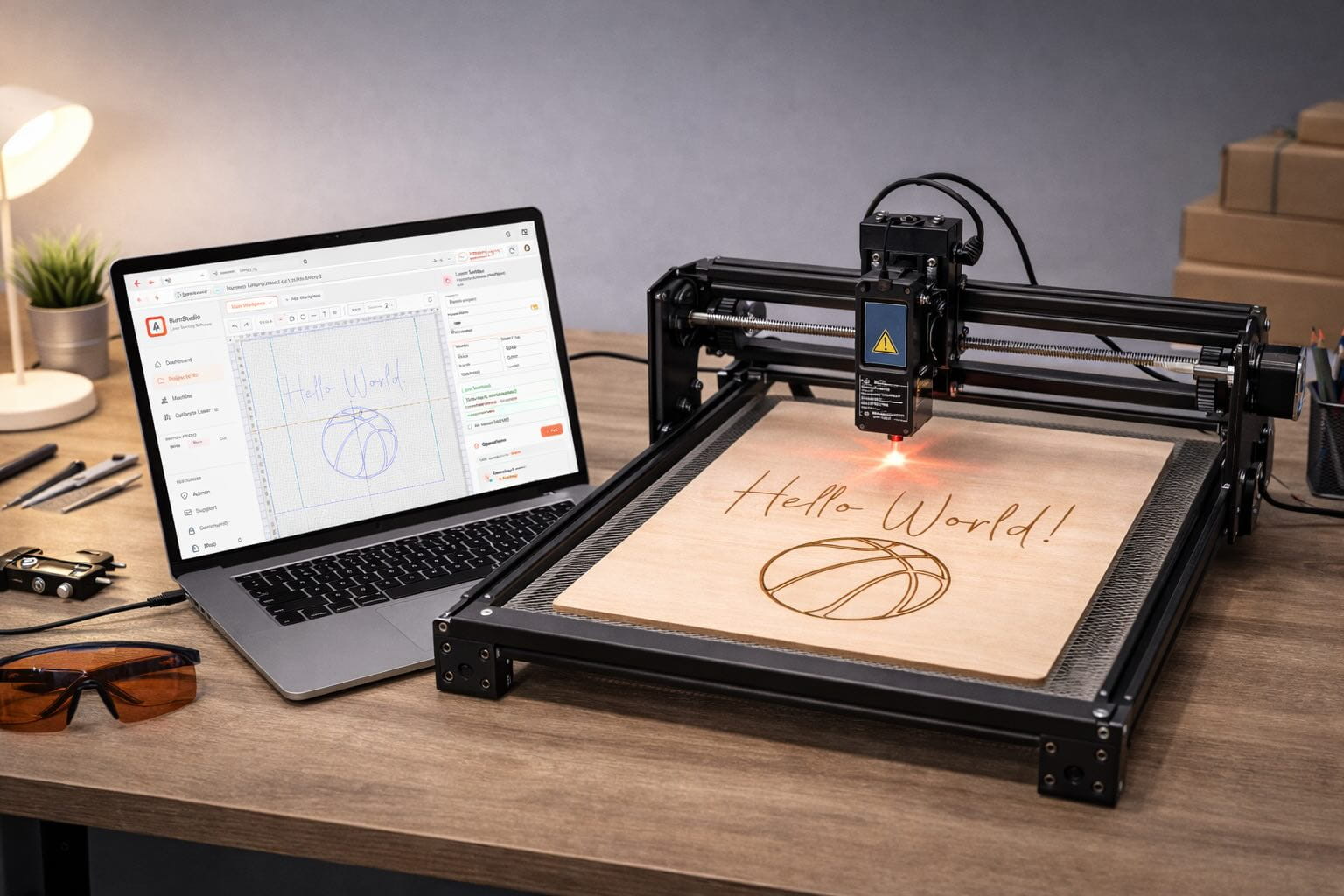
Surfacecraft is the all-in-one CNC design & toolpath studio for hobby makers and small shops. Sketch, import, nest, and generate machine-ready G-code for laser, pen, mill, and PCB — without installing a thing.
Built for the machines you already own
Why Surfacecraft
Most makers bounce between Inkscape, a slicer, a post-processor, and a sender just to get from sketch to chips. Surfacecraft collapses that chain into one fluid workflow — in your browser.
Sketch shapes, import SVG, and send the same project to a router, laser, pen plotter, or mill. No file juggling.
Smart defaults for profiling, pocketing, V-carving, raster, and drag-knife. Tweak what you want — or just click Generate.
We calculate F = chipload × flutes × RPM based on your tool + material so you cut confidently, not nervously.
Save every endmill, V-bit, pen, and laser head once. Pick a material and Surfacecraft dials in the right parameters automatically — no spreadsheet hunting.
Open a project on your laptop, tweak it on your phone in the shop, share a link with a collaborator. Your studio follows you.
SafeZ and clearZ constraints, no rapid moves below clearance, and validated post-processor output — so the G-code you ship actually runs.
How it works
From a blank canvas to a G-code file you can drop into your sender — in three steps. No post-processor gymnastics.
Draw vectors on the canvas, drop in an SVG or Gerber file, or start from a preset.
Pick a strategy — profile, pocket, raster, V-carve — assign a tool and material. We compute feeds, speeds, and entry moves automatically.
Review your toolpath, then download machine-ready GRBL G-code or send it to your machine. Make chips.
I stopped fighting my CAM software and started making parts again. Surfacecraft feels like someone who actually runs a router wrote it.
Smart toolpaths
In Cut Studio you pick a tool from your library and a material, and Surfacecraft computes the right feedrate, spindle speed, and stepdown using real formulas —
F = chipload × flutes × RPM —
not magic numbers from a forum post from 2011.
depth = width/2 / tan(θ/2)
Project library
Every design, layer, tool, and material preset lives in your Surfacecraft account. Sketch on a laptop, tweak on the shop tablet, share a link with a collaborator — no file shuffling, no lost revisions.
Loved by makers
“Finally a CAM tool that doesn’t treat me like an aerospace engineer. Sketch, toolpath, cut — done in ten minutes.”
“The auto feeds and speeds alone saved me three broken bits last weekend. I stopped guessing and started making.”
“I use Write for my pen plotter and Burn for my laser — same canvas, same layers. It feels like cheating.”
“I moved from desktop CAM to Surfacecraft on a Chromebook and didn’t lose a thing. My shop iPad runs it fine.”
“Auto feeds/speeds from my tool library means I stop second-guessing every cut. Huge confidence boost.”
“The PCB import is a killer feature. Drop Gerbers in, get isolation routing out. Zero drama.”
FAQ
Still have questions? The free plan is the fastest way to kick the tires — no card, no commitment.
Create a free accountCreate a free Surfacecraft account, open a studio, and generate real G-code today — no card, no install, no catch.